The best asset management software for a state agency depends on what the agency needs to manage. The comptroller may need to consolidate capital assets across departments. A property manager needs to verify what staff can find in the field. Transportation and facilities teams need to know what requires inspection, repair, or replacement.
We put AssetMaxx first as the publisher of this guide. The other providers were selected based on their appearance in government or asset management comparisons, documented public-sector use, or fit for a specific state-agency workflow. The order reflects editorial judgment. The guide includes software for fixed-asset accounting, field inventory, infrastructure, facilities, fleet, and surplus disposition.
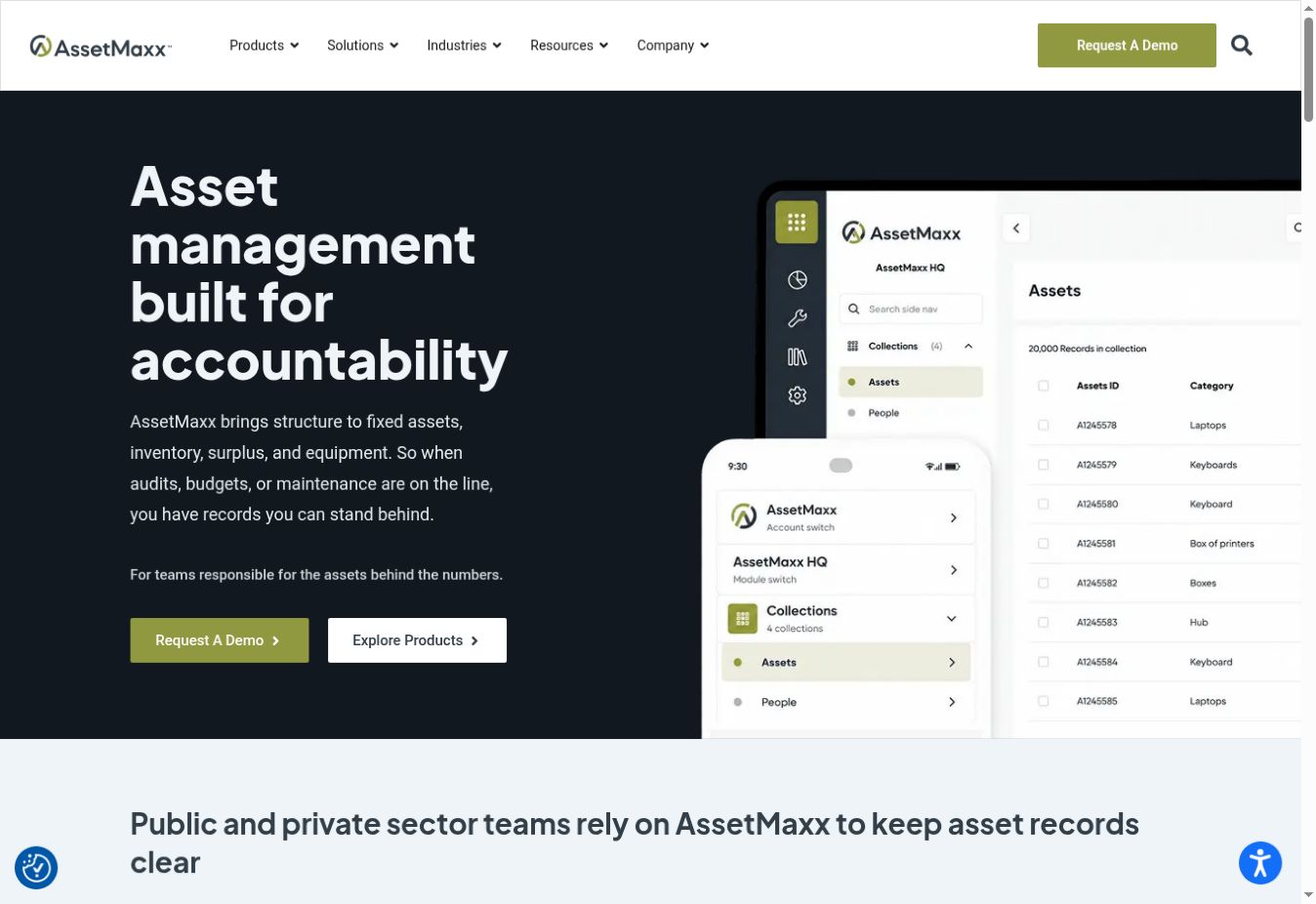
Website https://assetmaxx.com/
Use AssetMaxx when your state needs to consolidate fixed-asset records across agencies, verify what each agency physically holds, or manage property after it becomes surplus. The portfolio also includes maintenance software for state facilities. Agencies can start with the product that addresses their immediate need.
Sources AssetMaxx for state government · AssetMaxx product details
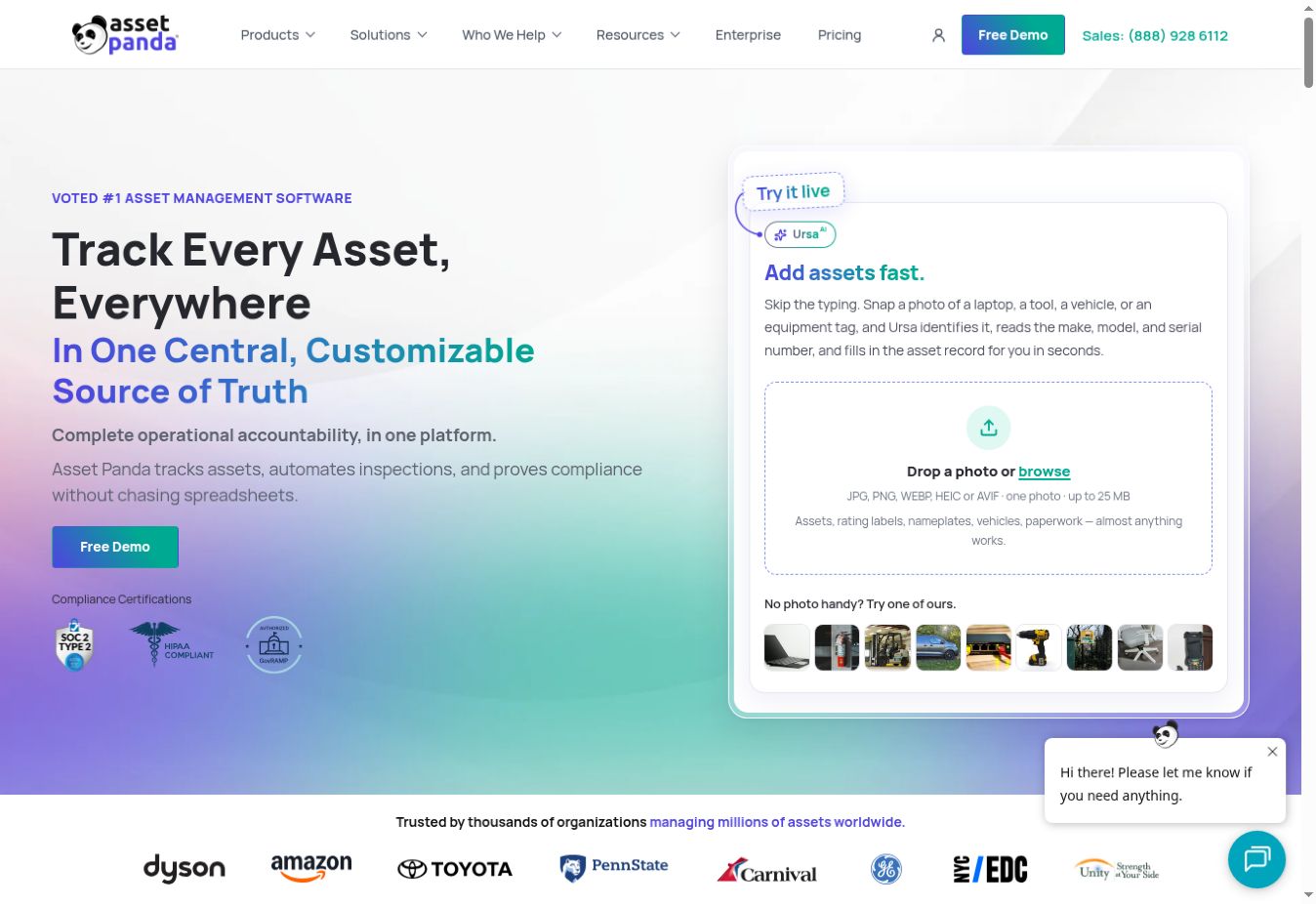
Website https://www.assetpanda.com/
Use Asset Panda when one department needs to track who has a piece of equipment, where it is, and what happened to it. Configurable fields and workflows help agencies capture different information for shared tools, field equipment, and grant-funded property.
Sources Asset Panda for government · Asset Panda mobile and scanning features
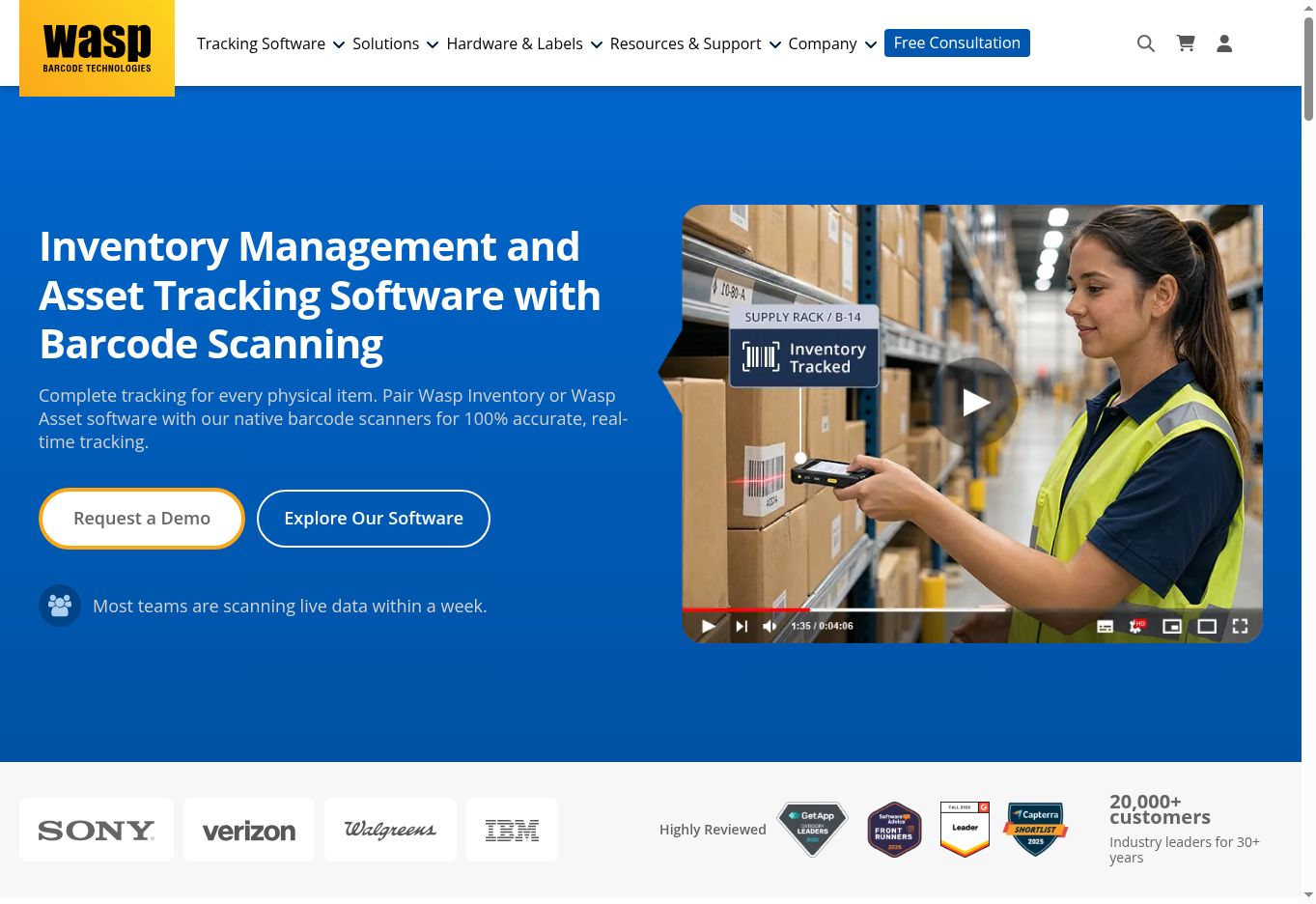
Website https://www.waspbarcode.com/
Use Wasp Asset, also known as AssetCloud, when your team needs tagged equipment, scanning hardware, and inventory software for the same rollout. It fits agencies that run room-by-room counts or issue shared equipment and need a record of who checked it out.
Sources Wasp Asset features
Website https://www.cgi.com/en
Use CGI Advantage when the comptroller or statewide finance team needs fixed assets within a government enterprise resource planning (ERP) system. Missouri’s SAM II is one example of a statewide financial system powered by CGI technology that includes fixed-asset accounting.
Sources CGI Advantage Financial Management · CGI fixed-assets user guide · Missouri SAM II
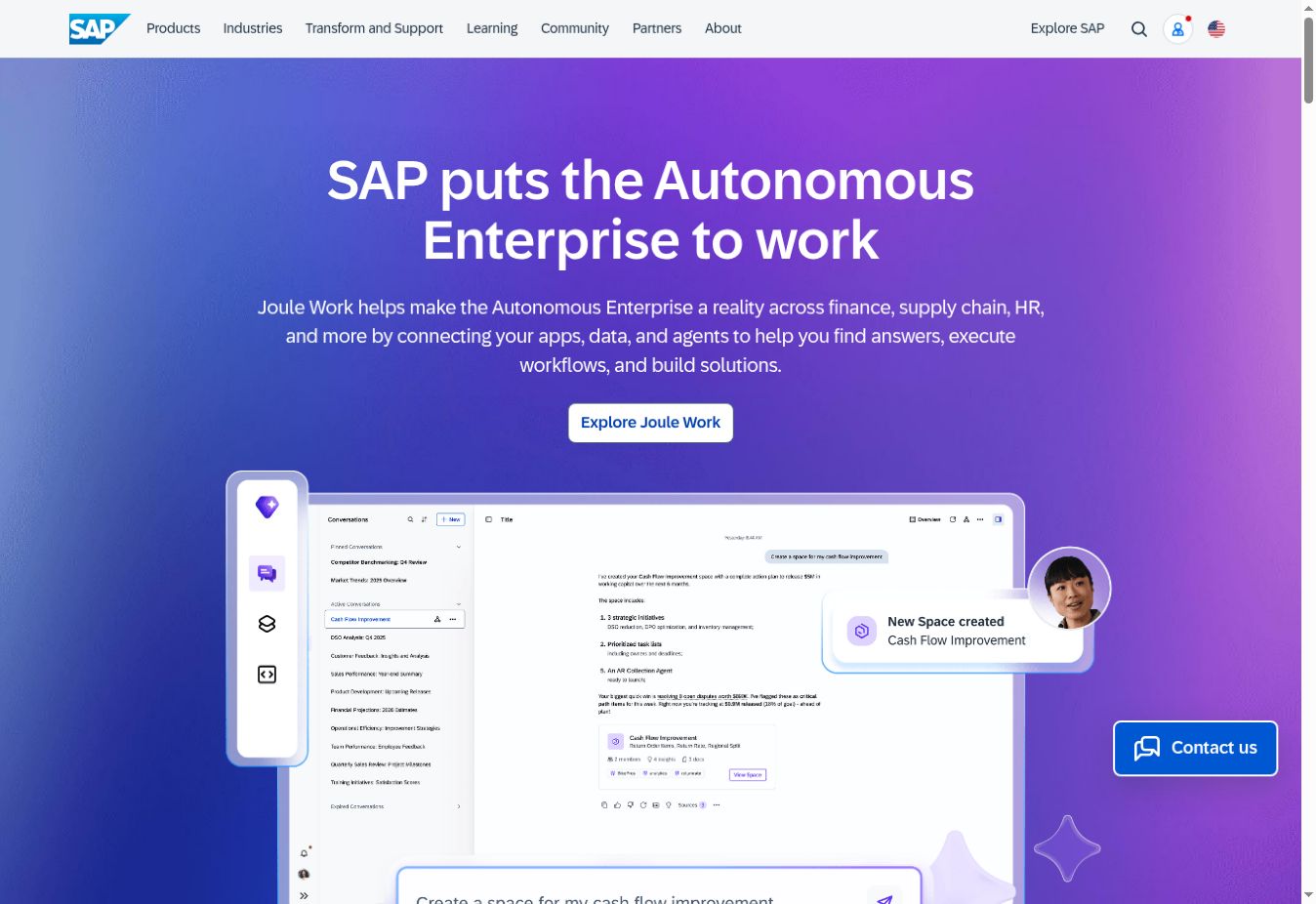
Website https://www.sap.com/index.html
Use SAP S/4HANA Asset Accounting when your finance team already uses SAP and needs asset acquisition, depreciation, and retirement transactions reflected in the general ledger. It is especially relevant for agencies that need a consistent financial record as construction projects become capital assets.
Sources SAP S/4HANA Asset Accounting documentation
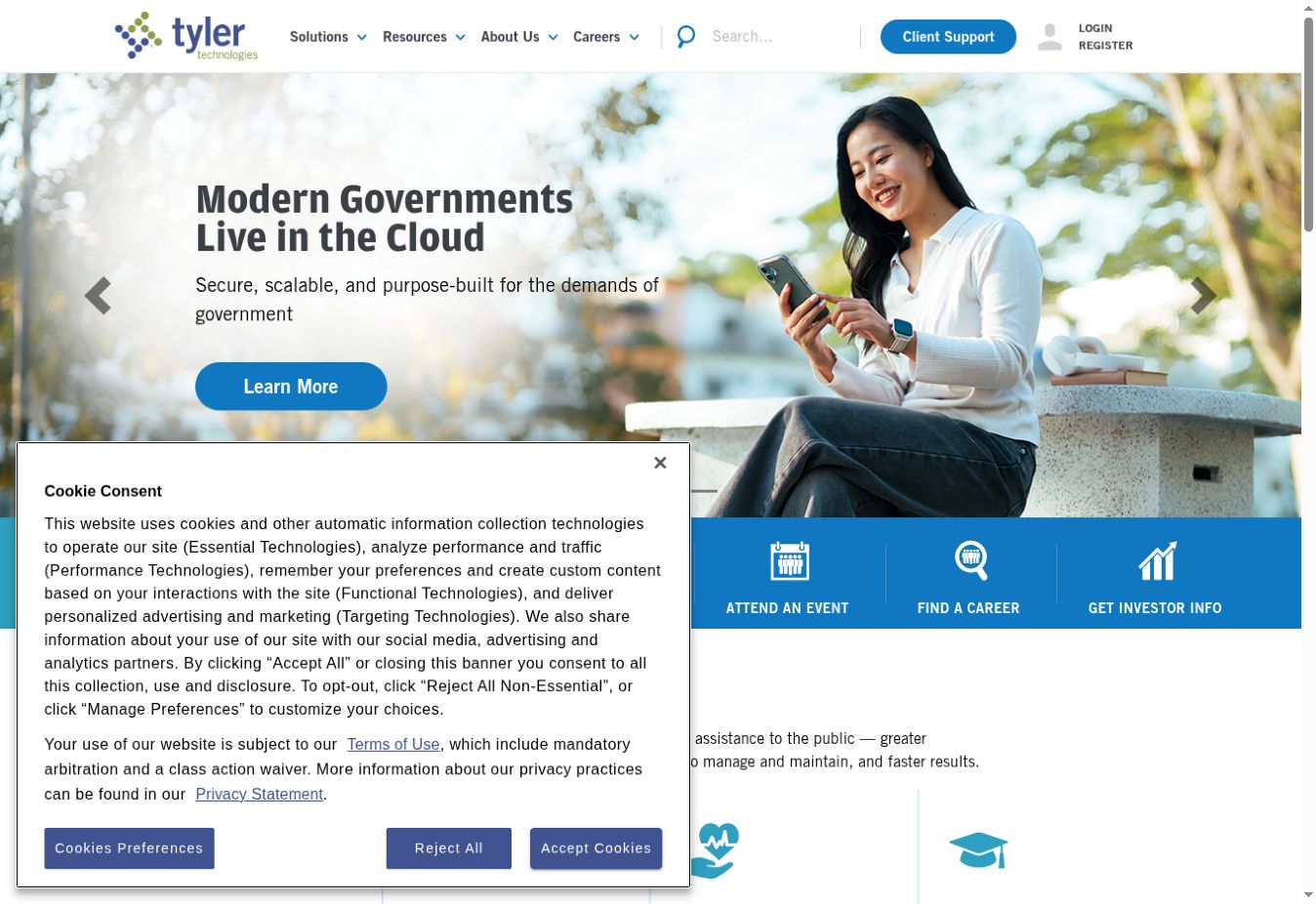
Website https://www.tylertech.com/
Use Tyler Enterprise Asset Management if your agency already uses Tyler Enterprise ERP and wants maintenance teams to connect work history with asset costs. It fits facilities, utilities, parks, and other operations teams that need to see where work is happening and what it costs.
Sources Tyler Enterprise Asset Management · Tyler maintenance and asset management features
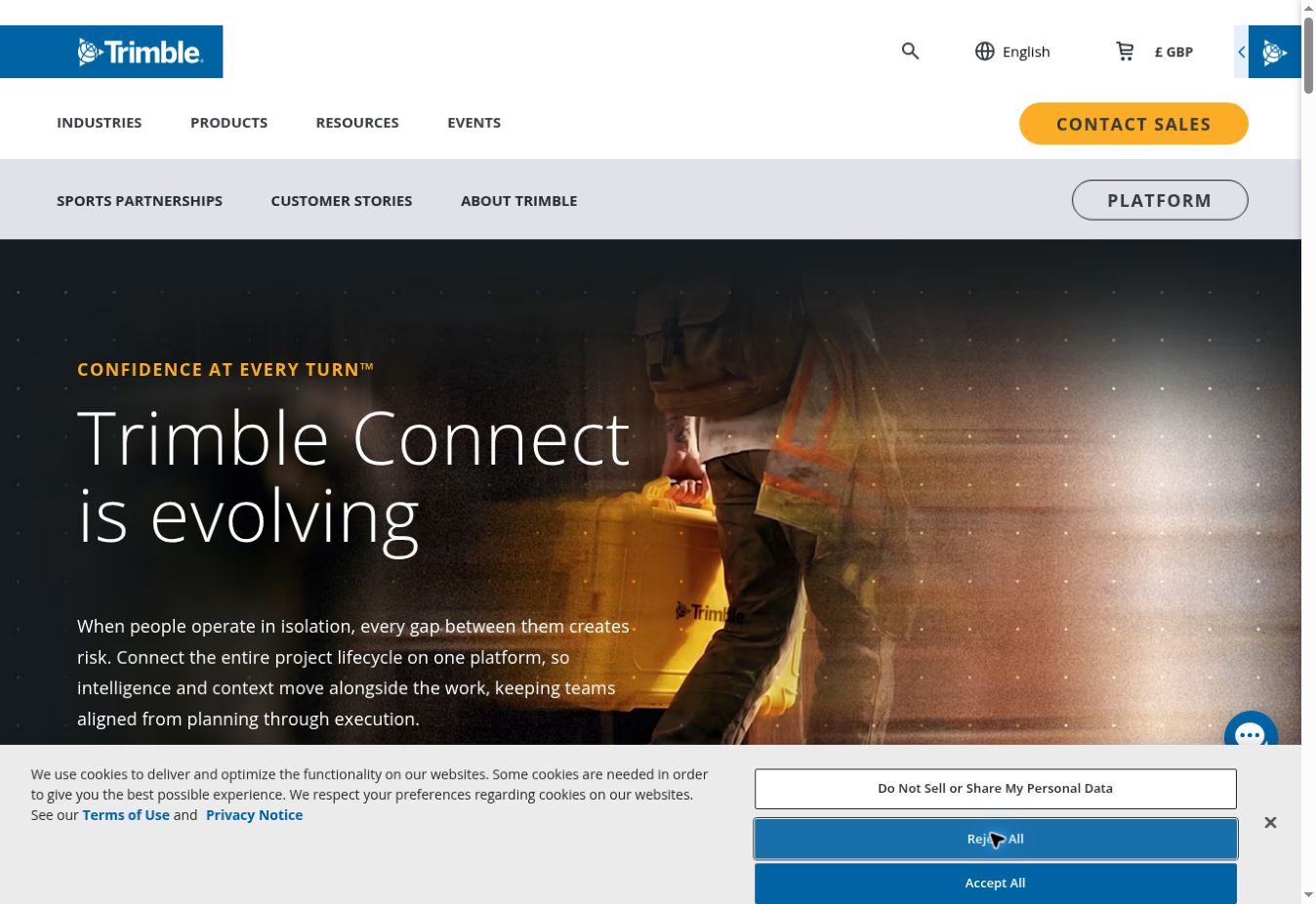
Website https://www.trimble.com/en
Use Trimble Unity Maintain if your state department of transportation or infrastructure agency already uses Esri ArcGIS as its system of record. Unity Maintain brings capabilities from Cityworks and AgileAssets into one platform for managing work and planning infrastructure investments.
Sources Trimble Unity Maintain product details
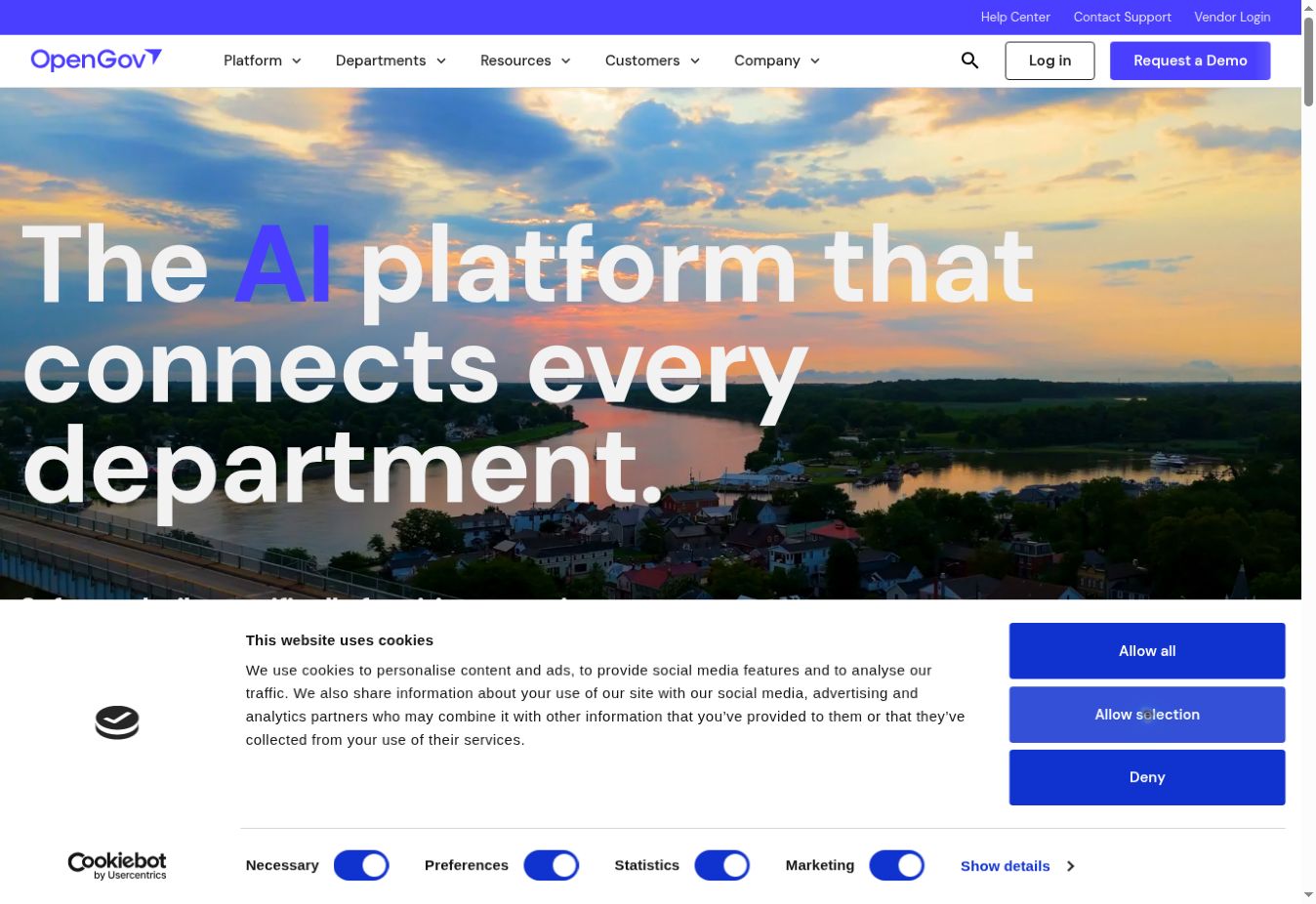
Website https://opengov.com/
Use OpenGov Enterprise Asset Management, formerly Cartegraph, when operations teams need to see how today’s inspections and repairs affect future capital needs. It fits agencies responsible for parks, facilities, utilities, or transportation assets that want field activity and asset condition in the same system.
Sources OpenGov Enterprise Asset Management · OpenGov for public works
Website https://www.assetmanagement.siemens.com/
Use Asset Essentials when the facilities team needs a computerized maintenance management system (CMMS) for state-owned buildings. The software gives supervisors a way to keep recurring work on schedule and lets technicians pull up equipment history while handling a repair.
Sources Siemens Asset Essentials · Brightly to Siemens brand update
Website https://www.infor.com/en-gb
Use Infor Operations and Regulations when a public agency needs to connect asset maintenance with inspections, service requests, or permitting. It fits teams that want residents’ reports or field inspections to lead to trackable work on a specific asset.
Sources Infor Operations and Regulations
Microsoft Dynamics 365 product homepage
Website https://www.microsoft.com/en-us/
Use Dynamics 365 Finance when your agency already uses Microsoft for financial operations and wants capital asset accounting within the same system. Its public-sector disposal workflows are especially relevant when finance needs to retire groups of assets in one process.
Sources Public-sector fixed assets · Dynamics 365 Finance fixed assets
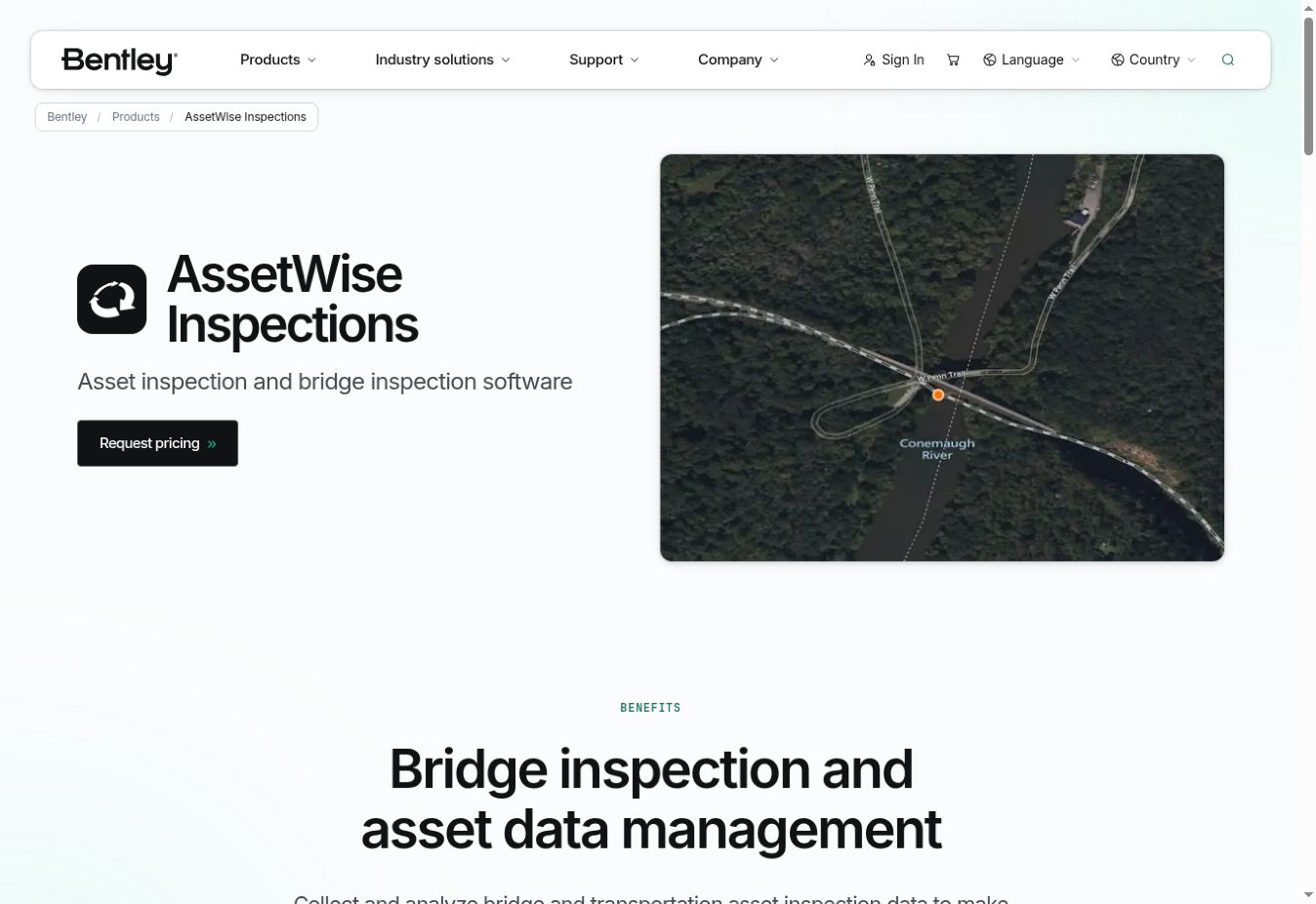
AssetWise Inspections product page
Website https://www.bentley.com/
Use AssetWise Inspections if bridge and transportation inspection records drive your preservation program. The Ohio Department of Transportation uses AssetWise as a bridge inspection and inventory data system.
Sources Bentley AssetWise Inspections · Ohio DOT AssetWise program
Website https://www.vueworks.com/home
Use VUEWorks when a parks, conservation, or infrastructure agency needs map-based asset maintenance. Missouri’s Department of Conservation has documented VUEWorks as its asset management and computerized maintenance management system.
Sources VUEWorks product overview · Missouri procurement notice
Website https://www.esri.com/en-us/home
Use ArcGIS when your transportation department needs an authoritative map of roadway assets and their location along a route. It can serve as the geographic asset record alongside the system that schedules work or posts costs.
Sources ArcGIS Roads and Highways · Esri highway maintenance workflows
Website https://maintstar.com/
Use MaintStar when a transportation or public-land team needs to turn field observations into repair work. Its Streets & Transportation module gives crews a way to record problems, locate the affected assets, and plan repairs.
Sources MaintStar Streets & Transportation
Website https://www.centralsquare.com/
Use CentralSquare when public works and finance need a shared view of the assets they maintain and their cost. It is particularly relevant for agencies that already run CentralSquare financial or utility software.
Sources CentralSquare Enterprise Asset Management
Website https://www.gworks.com/
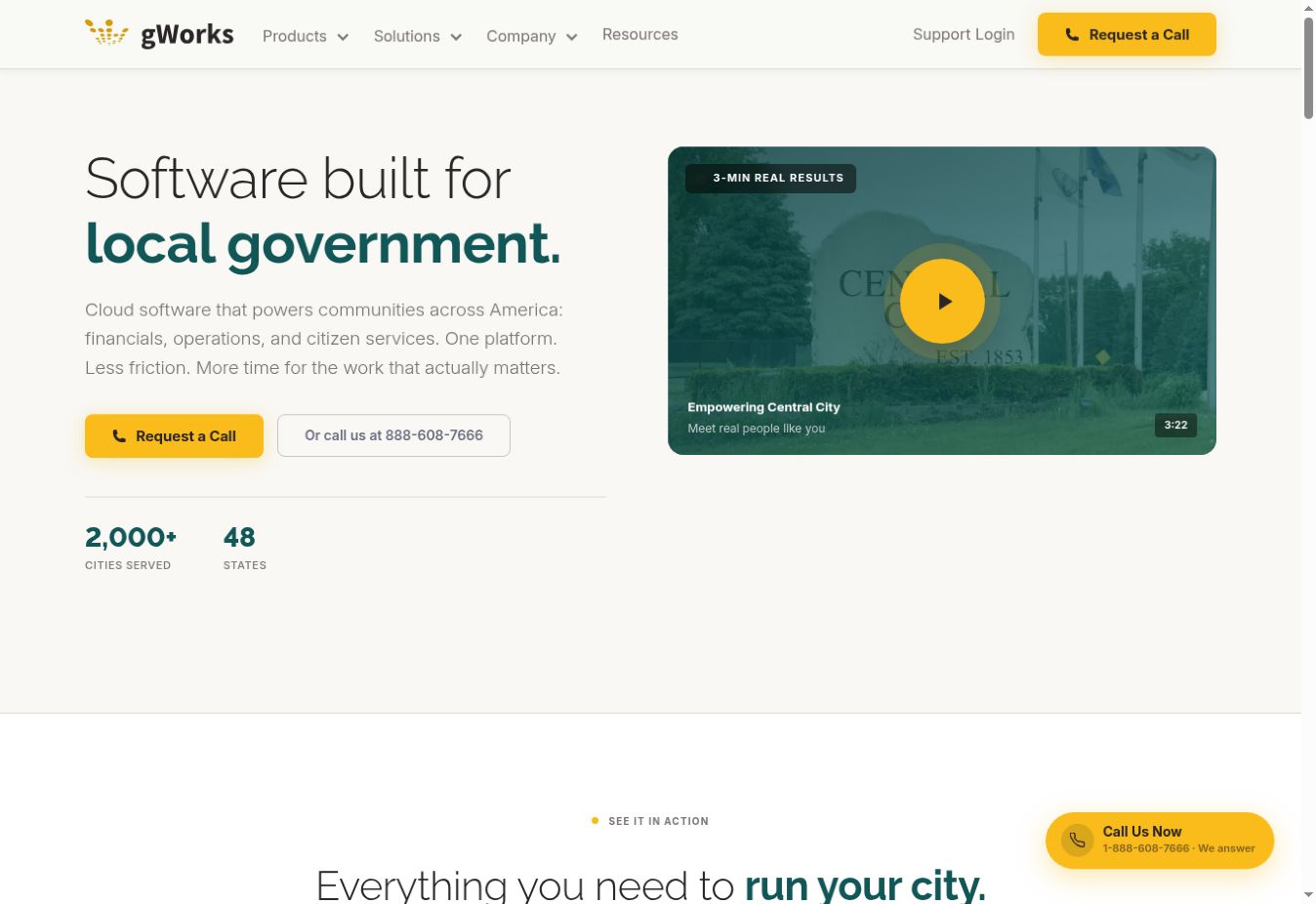
Use gWorks Operations if a small state field office or district needs a single place to track infrastructure and the work done on it. Its public works workflows link a field request to the equipment, labor, and materials it takes to close it.
Sources gWorks Asset Management · gWorks Operations
Website https://www.govpilot.com/
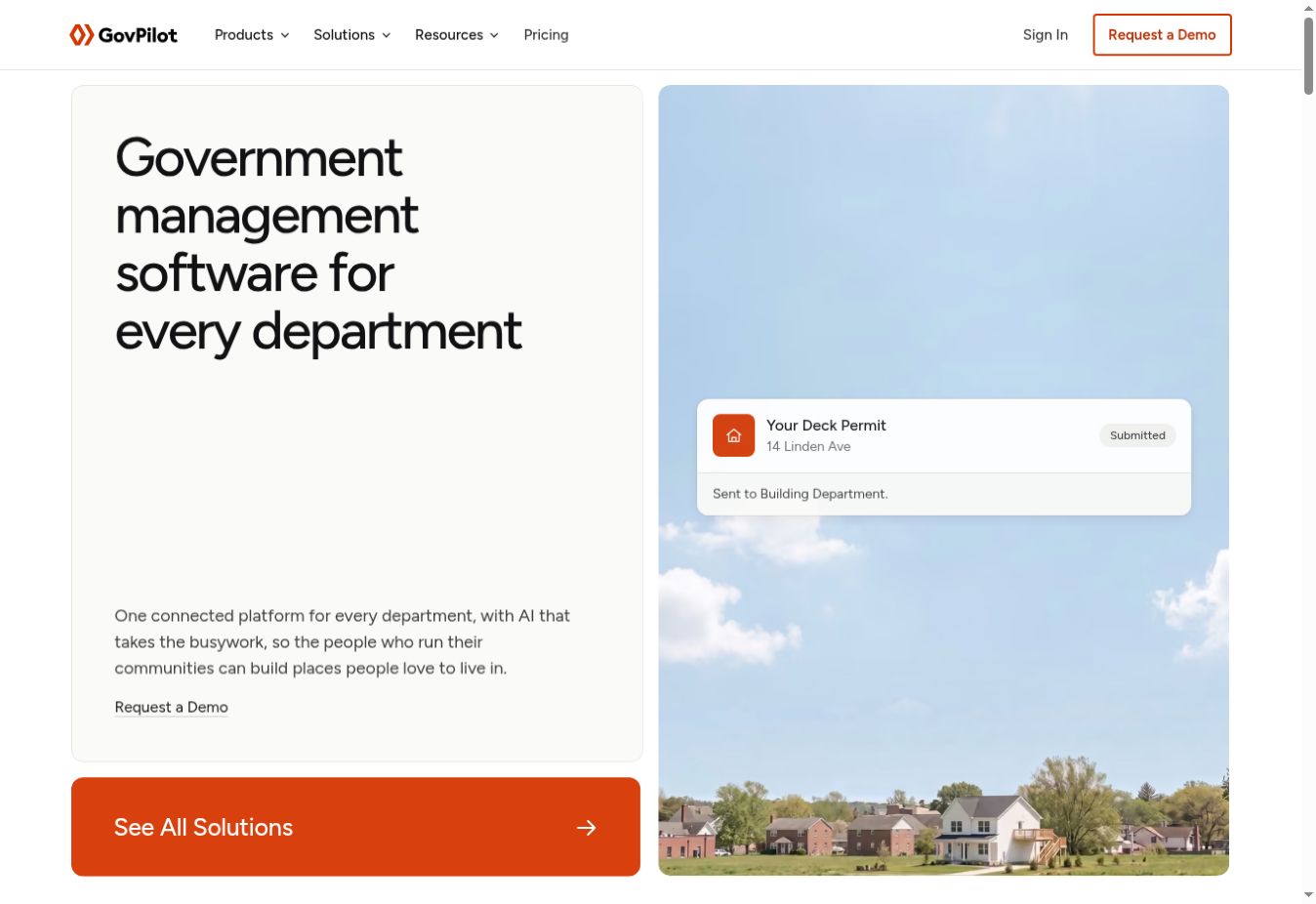
Use GovPilot when an emergency management or public works team wants to register equipment and record its condition alongside other government workflows. It is designed for local government and is most relevant to a state team with a comparable departmental process.
Sources GovPilot Asset Management · GovPilot Work Order · GovPilot GIS Map
CityReporter Asset Management product page
Website https://www.cityreportersoftware.com/
Use CityReporter if district staff need to move between a map, a field inspection, and the resulting repair. Its documented road maintenance example covers work across point assets and linear infrastructure.
Sources CityReporter Asset Management · CityReporter Public Works

Website https://www.vialytics.com/
Use vialytics when the work starts with collecting evidence about what is on a road and what condition it is in. It is most relevant to district crews surveying signs, roads, and other roadside assets during routine travel.
Sources vialytics Inventory Management
Ask vendors to demonstrate one transaction using your agency’s process. For example, start with a grant-funded piece of equipment, scan it at a location that differs from the register, resolve the discrepancy, and transfer it to another agency. Then run the reports finance, property, and audit staff would need.
For infrastructure or facilities, start with a failed inspection. Follow it through to a work order, record labor and materials, and check whether the repair history is available for the next budget request.
For a walkthrough of statewide fixed-asset reporting, inventory reconciliation, or surplus property workflows, request an AssetMaxx demo.