

Every field exception is sorted by type before a reviewer opens the list — missing, moved, found, or mismatched.
That’s how the review step in Scan & Validate’s inventory reconciliation works: field results are compared against existing records, and every difference is classified. Each type points to its own resolution step, and every exception is resolved before the inventory is finalized.
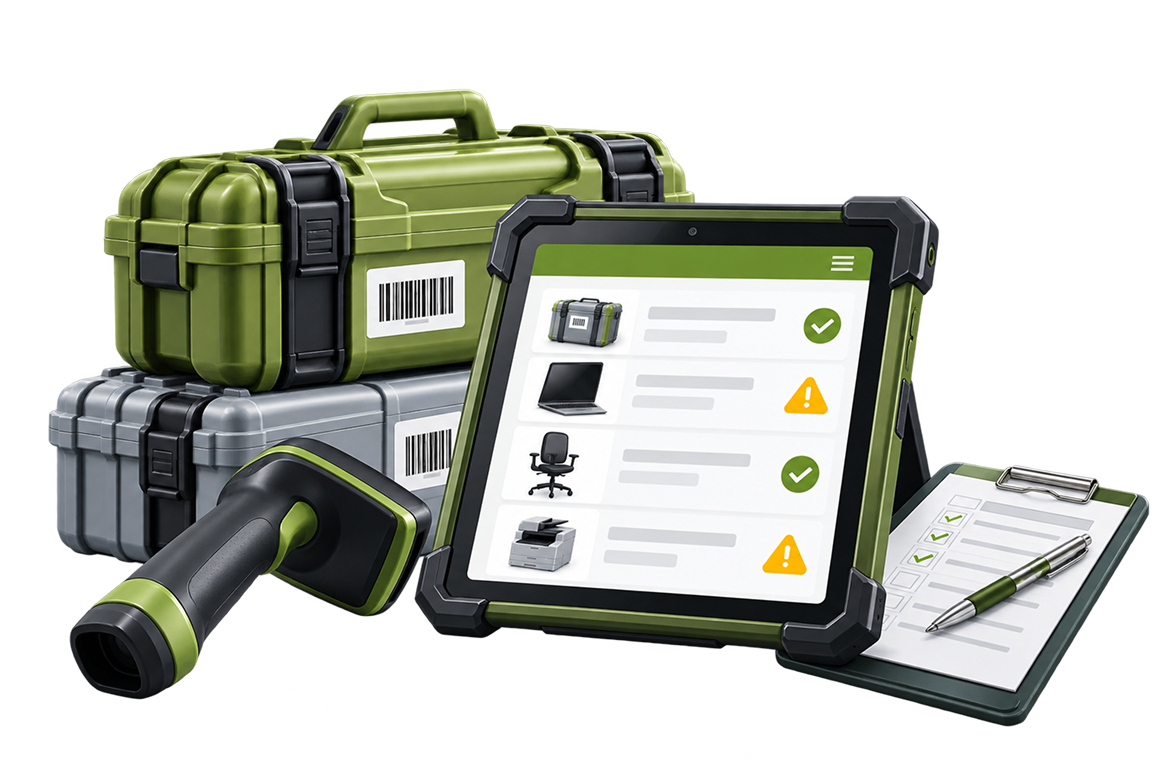
After field verification, the differences between what the field team found and what the records show are sorted into four types:
Each type tells the reviewer what happened and points to the right resolution step.
An asset expected at a location was not confirmed in the field.n asset expected at a location was not confirmed in the field.
An asset was confirmed at a location different from its record.n asset was confirmed at a location different from its record.
An asset was confirmed that no record expected at that location.
Location, status, or custodian differs between the field result and the record.ocation, status, or custodian differs between the field result and the record.
Every difference between field result and record sorted into missing, moved, found, or mismatched.
Each exception type routed to its own resolution step, so the reviewer works by category, not one undifferentiated list.
A record of whether each asset was scanned or updated by hand, so administrators can confirm field work was done on site.
Every exception resolved before the inventory is finalized, producing a reconciliation the team can report from.
Every physical inventory produces exceptions. Bring the discrepancy list from your last cycle, and see how each exception is classified, reviewed, and closed before inventory is finalized.