

A bad migration turns old record problems into new system problems.
Existing spreadsheets and exports are extracted, mapped, reviewed, and reconciled to their source before anything loads, so the new system starts with records your team can trust.
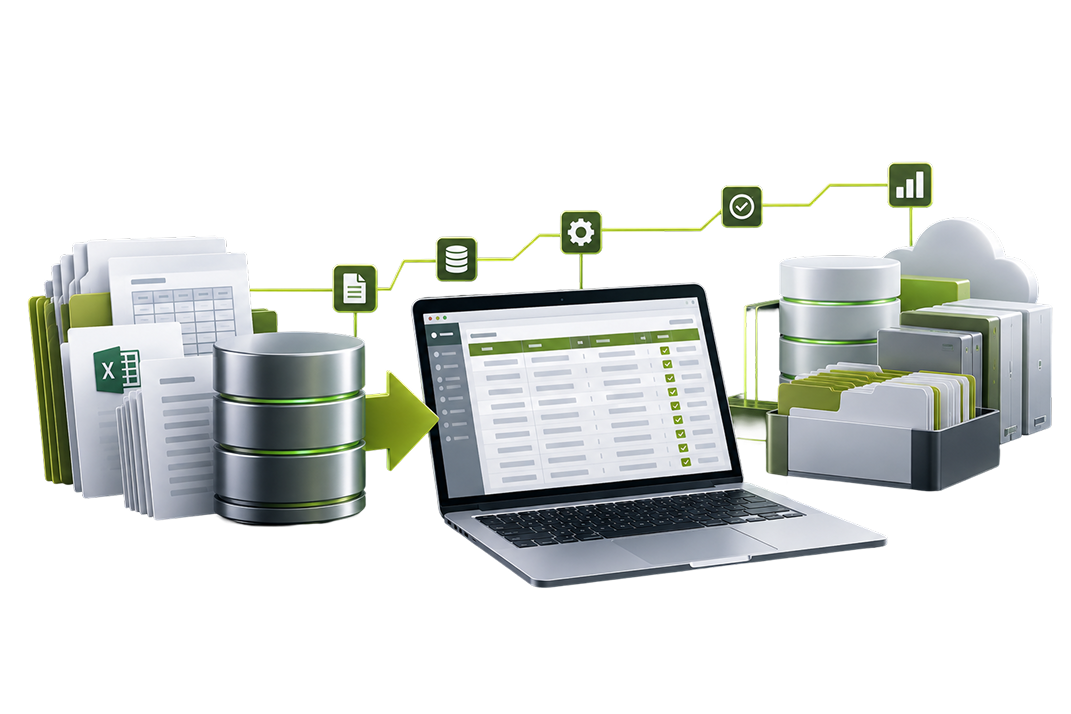
Each record is pulled from the spreadsheet or legacy export where it lives now, mapped to the product it is headed to, checked against asset-management rules, and reconciled to the source file. Only then does it load.
Maintenance history, work-order history, MRO and parts inventory, and purchasing records brought in for the operation that owns them.
Fixed-asset records, financial records, and depreciation schedules brought in with the structure finance needs.

Current asset tracking, custody, surplus, and disposition records required for launch, without prior transactions, inactive records, or active-asset history.

Equipment, tools, and tagged-asset baselines brought in ready to verify in the field.
Implementation configures the products. Data Conversion brings your existing records into them once. Integrations sets up the recurring exchange with your ERP and other systems from there.
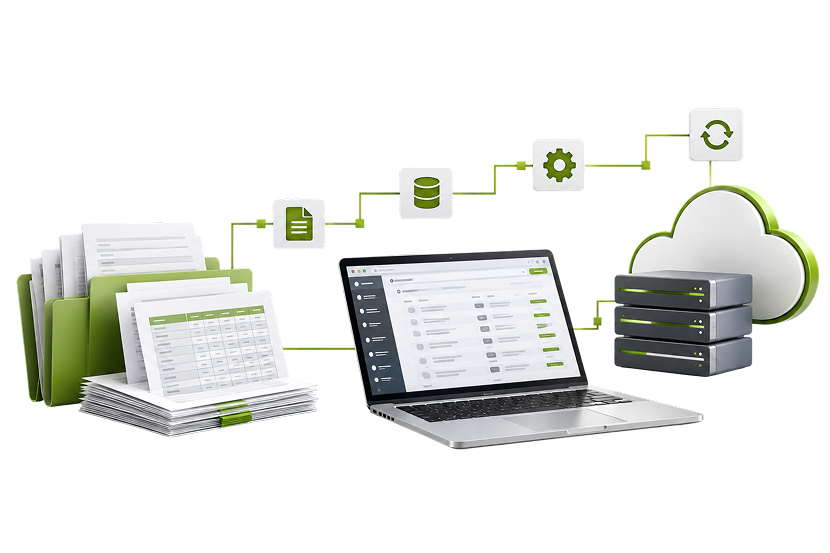
Different operations track different details. We make sure the exact historical data, financial records, and maintenance histories your team needs make it safely into AssetMaxx.
Start with the spreadsheet, legacy export, or backlog of current records your team needs to make usable.